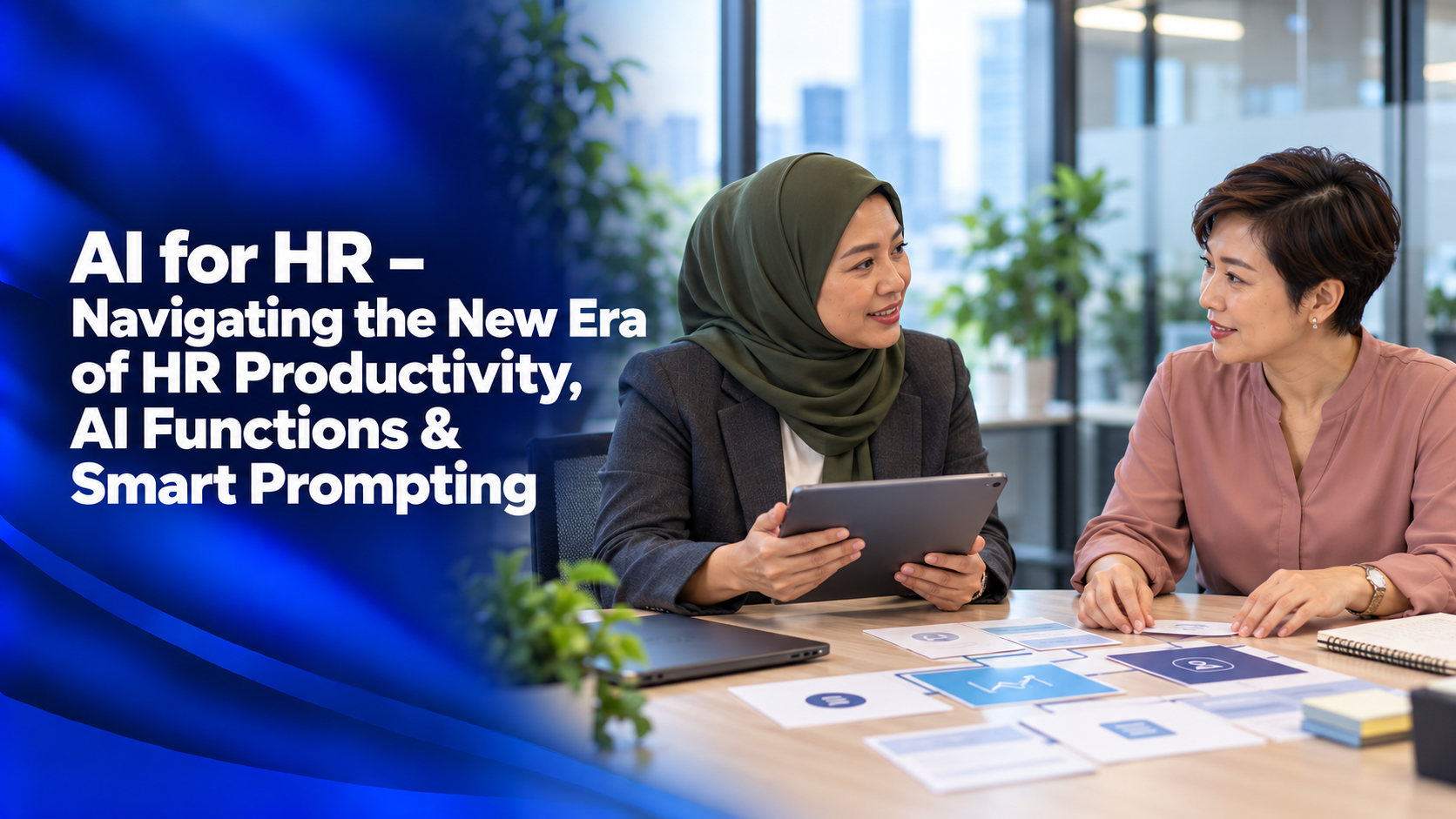
AI for HR – Navigating the New Era of HR Productivity, AI Functions & Smart Prompting

Explore how AI can support HR workflows, communication and learning plans through practical prompting.

HR teams manage recurring administrative tasks alongside employee development and organisational priorities. Understanding AI’s functions can help professionals identify where it may provide useful support and how to apply it responsibly.

This one-day AI for HR training programme combines introductory concepts with hands-on practice using ChatGPT and Microsoft Copilot. Participants explore HR workflow mapping, task prioritisation, smart prompting and AI-supported learning and development planning.

Who this programme is for

HR professionals who want to explore AI applications in daily HR operations, communication and learning and development.

Duration: 1 day

Prerequisite: Basic smartphone and computer knowledge.

What participants will learn

By the end of the programme, participants will be able to:

  • Explain basic AI concepts and their applications in professional settings.
  • Apply prompting techniques to HR tasks using clear instructions and relevant context.
  • Identify repetitive, high-effort HR tasks suitable for AI support.
  • Map HR workflows and translate work challenges into AI-ready prompts.
  • Consider confidentiality, data sensitivity and ethical issues when using AI in HR.
  • Use AI to support learning plans, onboarding materials, training content and assessments.
  • Critically evaluate AI solutions before applying them to workplace tasks.

Why this matters for your organisation

AI-supported HR work starts with selecting appropriate tasks and understanding the information involved. This programme gives participants a structured way to review workflows, prioritise potential applications and practise clearer prompting.

It also connects AI use with learning and development activities, while addressing the confidentiality and ethical considerations relevant to HR environments.

What the one-day programme covers

1. Introduction to AI in the Workplace

Explore machine learning, deep learning and natural language processing. Learn about AI technologies, platforms and the evolution of AI in business.

Practice activity: Take part in a group activity and presentation to explore the concepts introduced.

2. Prompting 101

Explore open and closed prompts, templates, examples, fill-in-the-blank formats and information retrieval in an HR context.

Practice focus: Structure requests with clear wording and relevant context, then discuss outputs through group activities and presentations.

3. AI for HR Productivity Foundations

Identify high-effort, repetitive tasks and map workflows where AI support could be useful. Translate HR challenges into prompts and examine responsible use, confidentiality and data sensitivity.

Practice activity: Map an HR workflow and prioritise tasks for potential AI support.

4. AI for Learning and Development Enablement

Explore how AI can support structured learning programmes, role-based learning roadmaps, skill matrices, onboarding and upskilling plans.

Practice activity: Develop an AI-supported learning plan and draft materials such as training outlines, microlearning content or assessments.

Practical learning approach

The programme combines facilitated learning, lectures, gamified activities, live demonstrations, hands-on exercises, group discussions and presentations.

Participants practise HR workflow mapping, task prioritisation and learning-content development. A closing Q&A and debrief provide opportunities to review the learning and discuss workplace applications.

Enquire about this course

Interested in AI for HR – Navigating the New Era of HR Productivity, AI Functions & Smart Prompting for your team?

Fill in your details below, and our team will contact you to discuss your training needs.

.vc_btn3-style-gradient-custom.vc_btn-gradient-btn-6ad0b2010eb81:hover,.vc_btn3-style-gradient-custom.vc_btn-gradient-btn-6ad0b2010eb81:focus{color: #fff;background-color: #5472d2;border: none;background-position: 100% 0;} .vc_btn3-style-gradient-custom.vc_btn-gradient-btn-6ad0b2010eb81{color: #fff;border: none;background-color: #00c1cf;background-image: -webkit-linear-gradient(left, #00c1cf 0%, #5472d2 50%,#00c1cf 100%);background-image: linear-gradient(to right, #00c1cf 0%, #5472d2 50%,#00c1cf 100%);transition: all .2s ease-in-out;background-size: 200% 100%;}

Related Courses